If you want to bring your Instagram content to life on your Joomla site, adding an Instagram feed widget is the perfect solution. This integration allows you to showcase your latest posts, capture visitor attention, and provide a seamless connection between your website and social media presence.
Embed Instagram Feed On Joomla
Follow the given steps to easily embed a Joomla Instagram Feed on your website using Taggbox
Step 1. Create Taggbox Widget Account
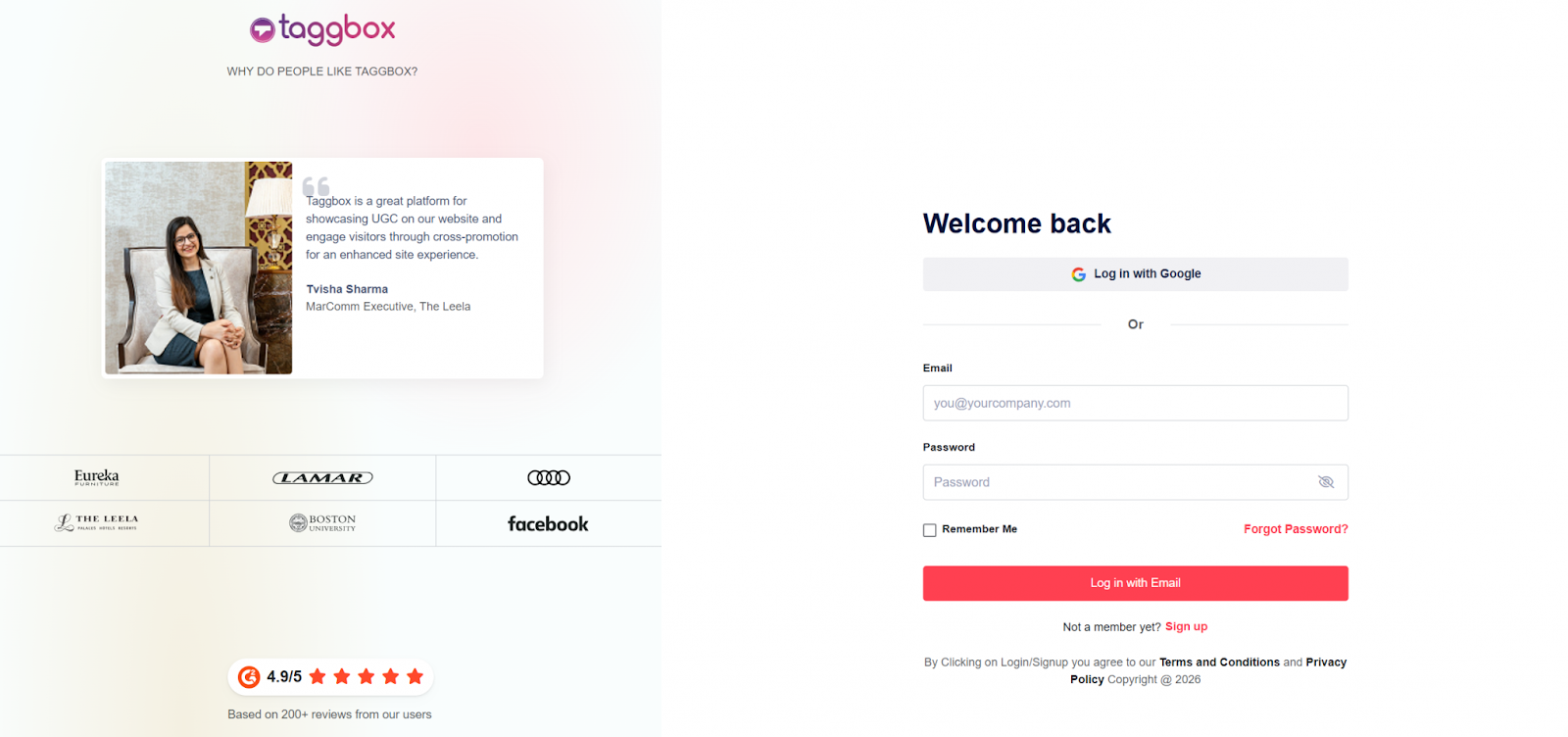
- Firstly, you have to create an account on Taggbox Widget or Log in if you’re an existing account holder.
Step 2. Select Your Experience
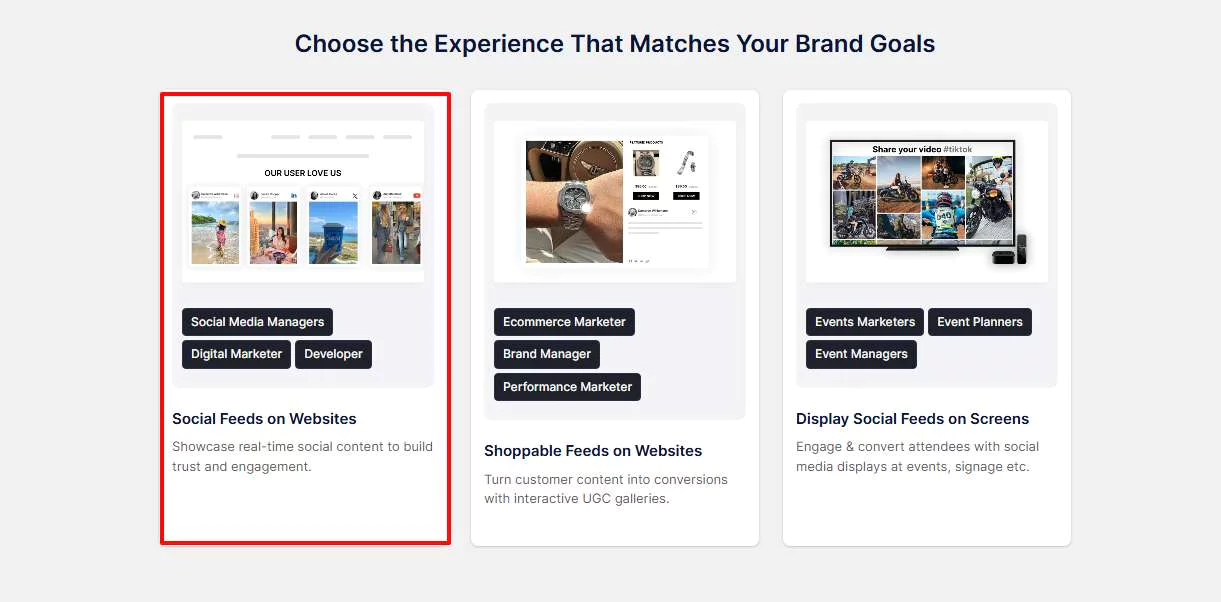
- Click on “Social Feeds on Website,” choose your industry, provide your contact details, and complete all the necessary information.
Step 3. Choose Source Network and Start Creating Your Instagram feed for Joomla
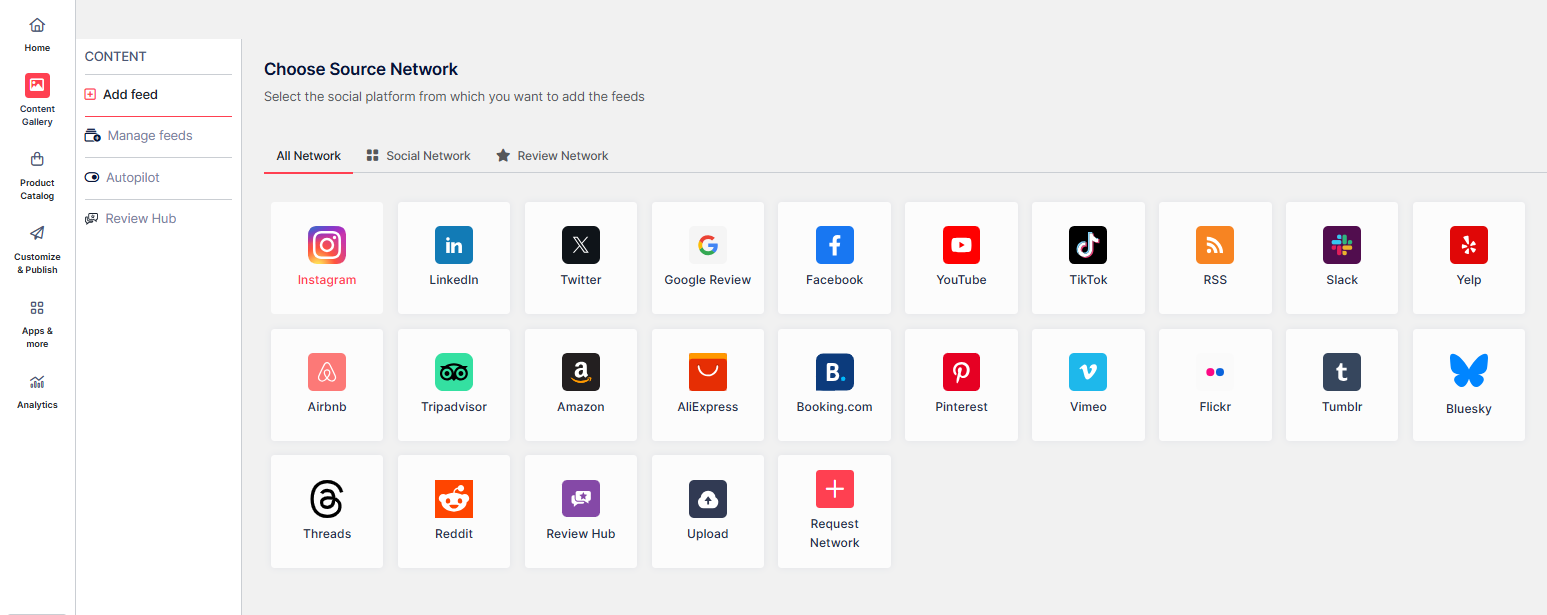
- Choose Instagram as your source network.
Now, you can create your feed by choosing from the following options:
- Hashtag (#): Fetch Instagram Hashtag feeds using specific hashtags.
- My Handle: Connect and display posts from your own Instagram account.
- Handle (@): Pull posts from any Instagram account.
- Stories: Add Instagram stories from your profile to the feed.
- Mentions: Fetch posts where your account is mentioned on Instagram.
- Tagged (Insta): Show posts where your profile is tagged on Instagram.
- Tagged (FB): Display posts where your profile is tagged on Facebook.
- Reels: Embed Instagram Reels on your feed.
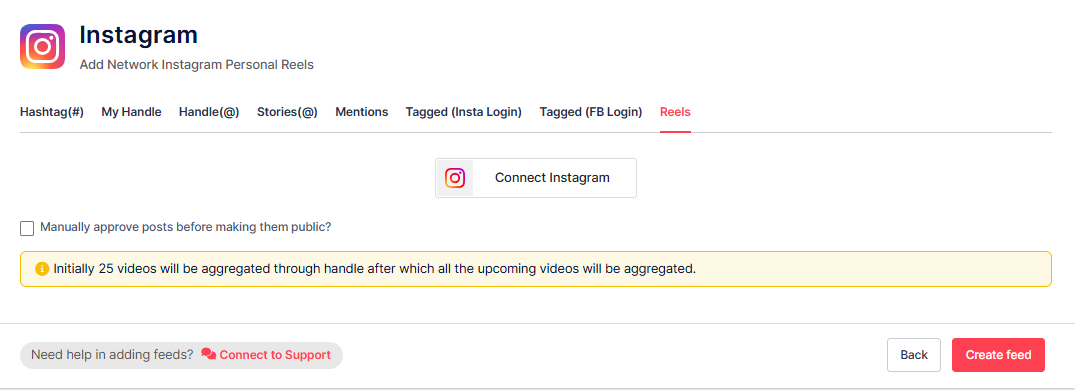
- Finally, click the “Create Feed” button to start the processing of aggregating Instagram feeds to your Instagram Widget.
Step 4. Customize and Moderate Your Instagram Feed
- At this point, you can decide which posts to show, set their visibility to public or private, or you can aslo activate Autopilot to have your feed managed automatically.
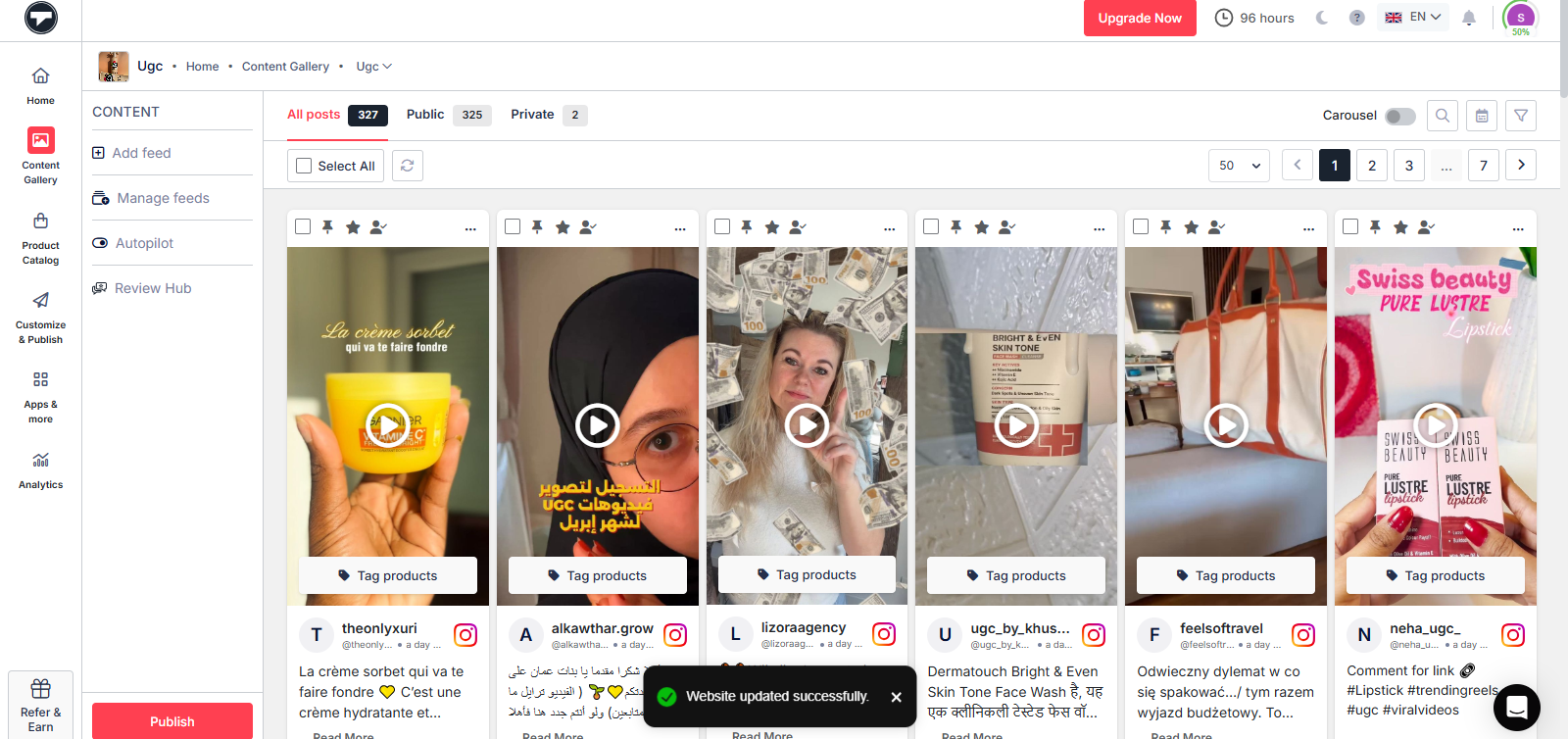
- Now, Click on the Publish Button
- Go to the Theme tab, select your preferred layout, and then customize the colors, fonts, and styles to match your Instagram widget to your site’s design.
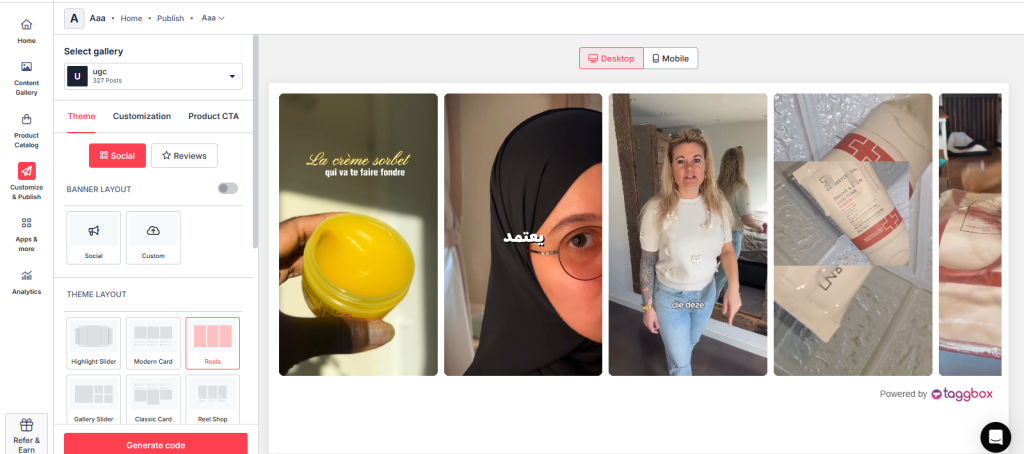
- Now, Click on “Generate Code”
Step 5. Choose Your Platform and Copy the Embed Code
- From the given platforms, choose “OTHER” to generate the embed code for your Joomla website.
- Copy the given code.
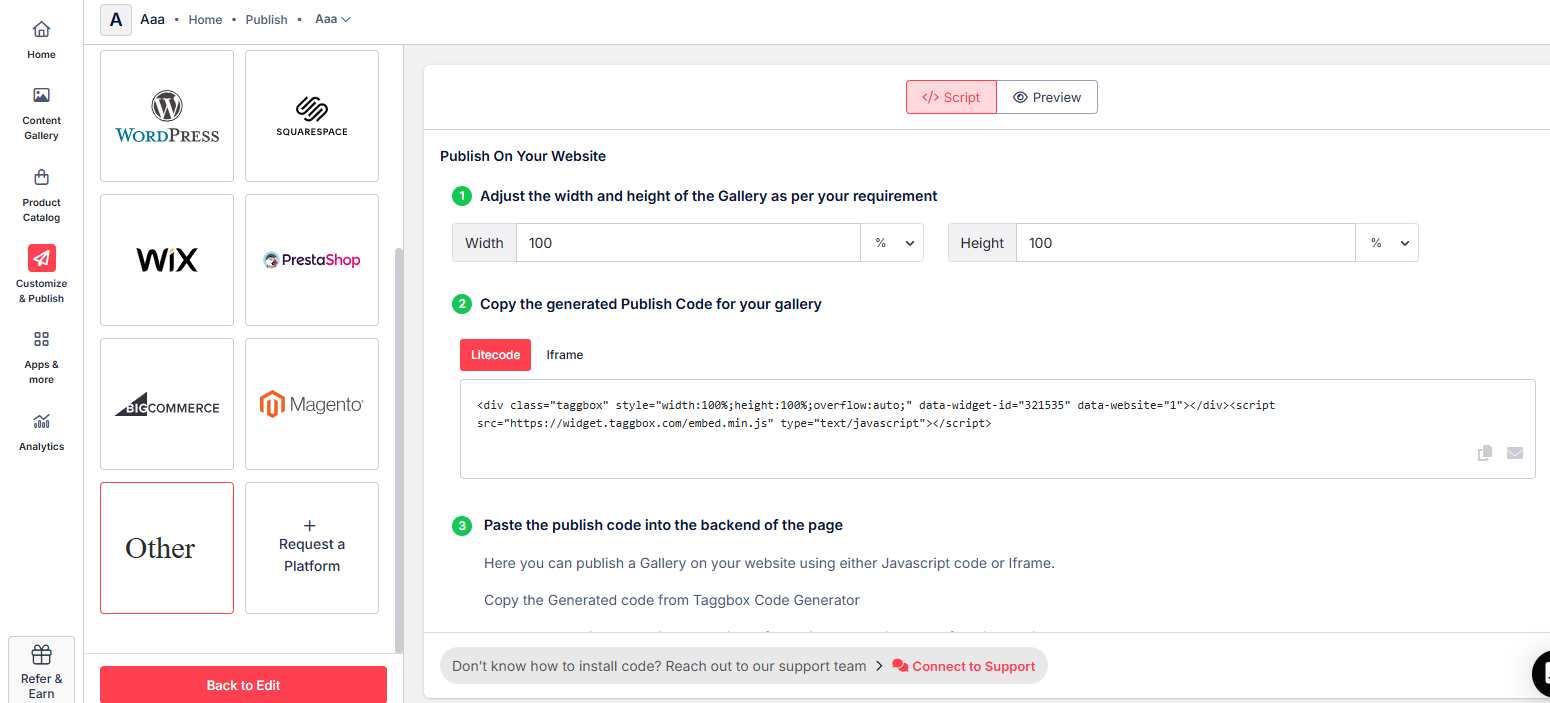
Steps to connect the Instagram Feed to Joomla with the embed code
After copying the code from the Taggbox Widget, we will proceed further to embed the Instagram feed on Joomla.
1. Log in to the Joomla Admin panel.
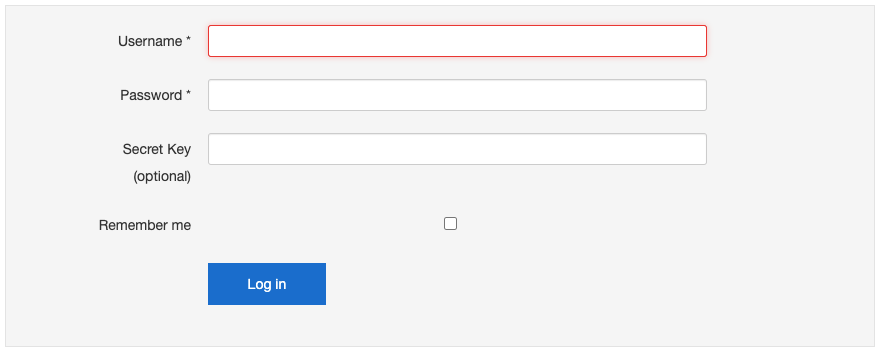
2. On the left menu panel, click on articles. Now you’ll see all the articles you’ve published on your website.
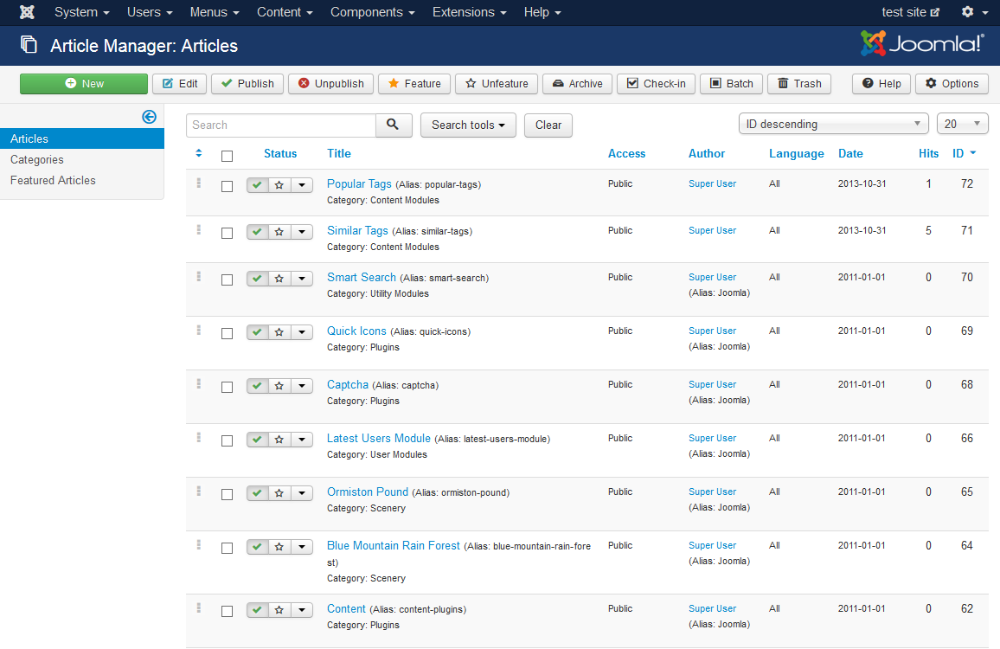
3. Select the article where you want to display the Instagram feeds.
4. Now, from the ribbon Content, click on the embed icon (<>) to open the HTML editor and paste the generated code from the Taggbox Widget.
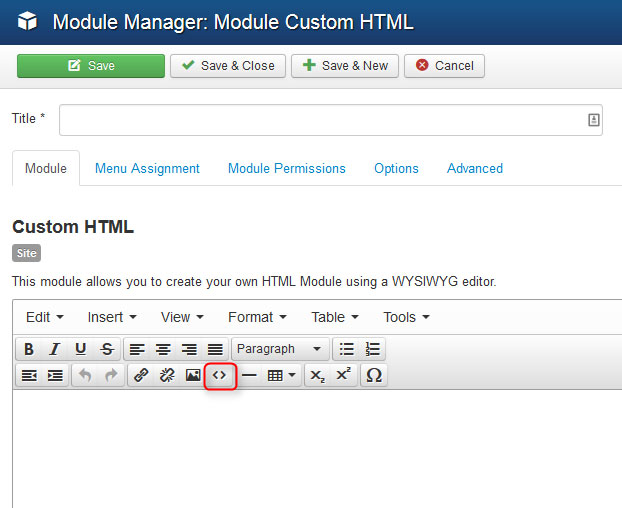
Click the OK button on the editor.
5. Finally, click SAVE on the top left to make the changes live.
You have successfully displayed Instagram feed on Joomla website.
If you have any questions or need help, please contact us or write us at support@taggbox.com