Get A LinkedIn Widget For Your Elementor Website Today
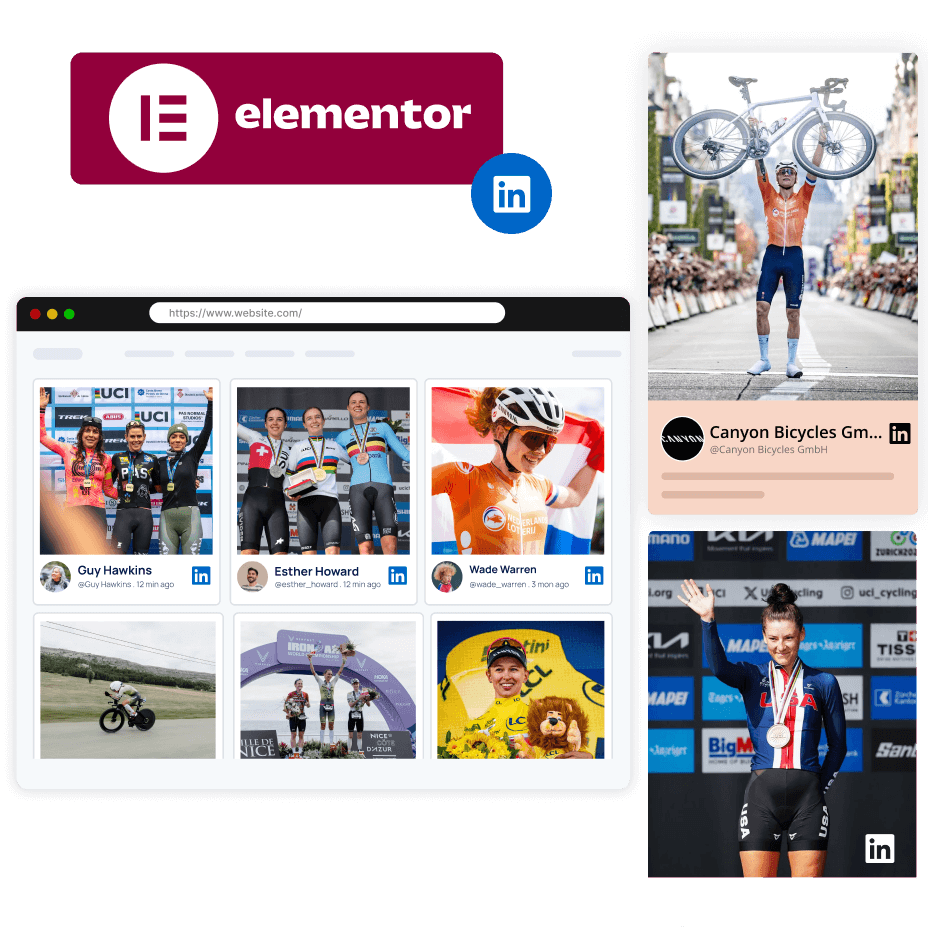
Easily integrate a LinkedIn widget into your Elementor website, displaying posts from your company page or post URL, and boost your website presence significantly. Showcase industry expertise, notable achievements and build credibility for your brand - all with a Elementor LinkedIn Widget.
Multiple Themes | Upgrade/Cancel Anytime
More Than 250K+ Organizations Worldwide Rely On Taggbox!
Industry's Best LinkedIn Widget For Elementor Website
Create an impactful Elementor LinkedIn widget with features meant to bring actual results to your website.

Content Moderation
Advanced moderation is all you need to control which posts appear on your feed and which ones should be excluded. This tailors your content and makes it relevant for the optimal engagement.

Responsiveness
The Taggbox LinkedIn widget elementor seamlessly adapts to any screen. From desktops, laptops, tablets to any other device.

Real-Time Updates
No need to wait for hours to get fresh content on your feed. Get updates in real-time, 24/7 that keep your feed fresh and engaging, automatically.

Customization
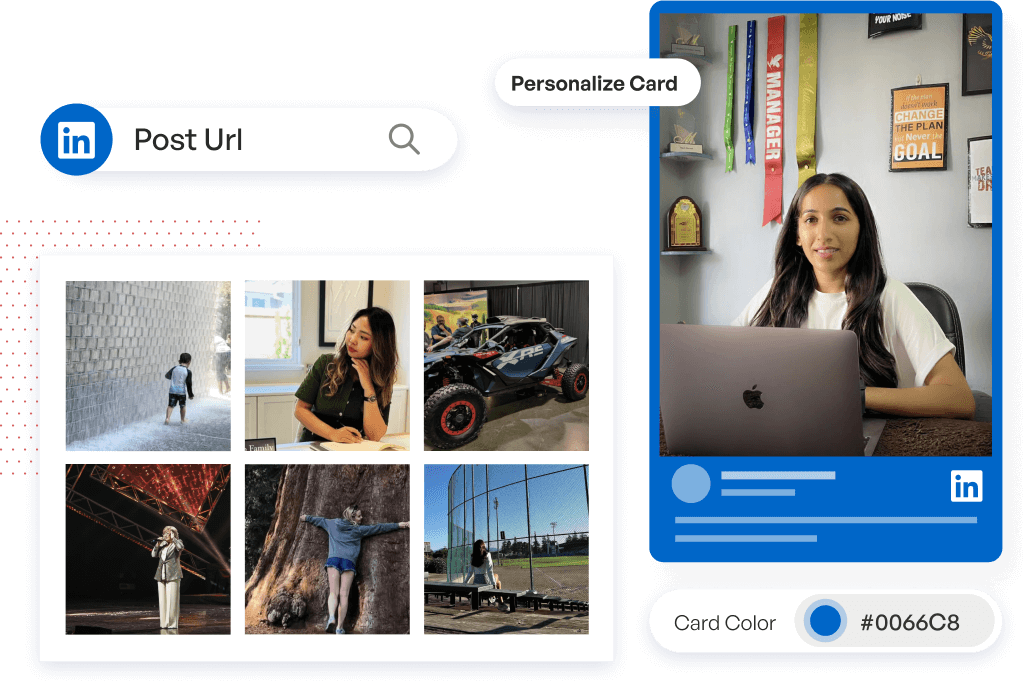
Make it Truly Yours! Customize everything, from background and banners to card styles and themes. Or, use our custom CSS feature that helps you perfectly match the widget to your brand’s vibe.

Analytics
Gain valuable data-driven insights into customer sentiments and preferences. Track key metrics like engagement rate, views, and more to make informed decisions on your Elementor LinkedIn widget.

No Coding
Try out our coding-free widget by Taggbox to save your valuable time and avoid all the hassle of embedding a widget.
Steps To Easily Embed a LinkedIn Widget For Elementor Site
Follow these quick steps to embed your LinkedIn widget on your Elementor site now.
Your LinkedIn Content Powerhouse
Boost your Brand Presence with Taggbox’s LinkedIn widget. Sign up now!
Easy-To-Use Widget Templates For Your Elementor LinkedIn Widget
Use these ready-to-go templates for your LinkedIn Widget on Elementor website and save valuable time!
LinkedIn Masonry
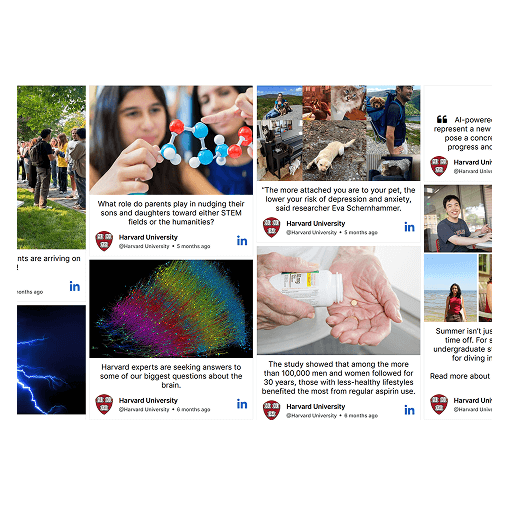
Ensure your content is displayed in a stunning gallery format to increase engagement. This format is ideal for brands using visual storytelling across marketing touchpoints.
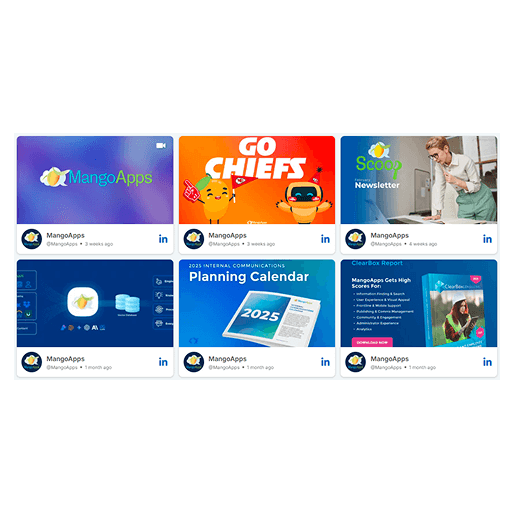
LinkedIn Photo Widget
Enhance the visual identity of your Elementor LinkedIn widget by displaying posts in a visually appealing grid layout that draws attention and adds value.
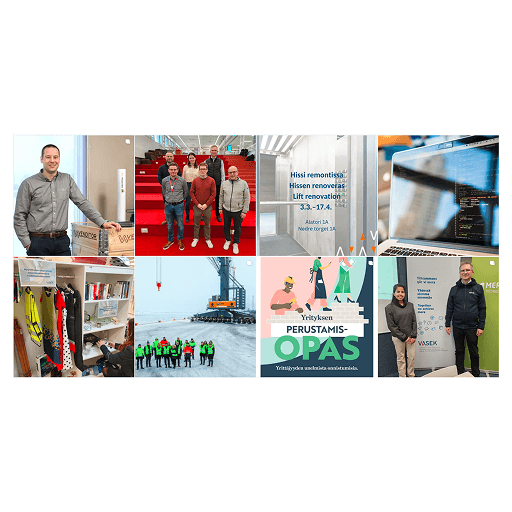
LinkedIn Hashtag Photo
See all hashtag posts in one place. Witness photos as well as videos, all curated in one place.
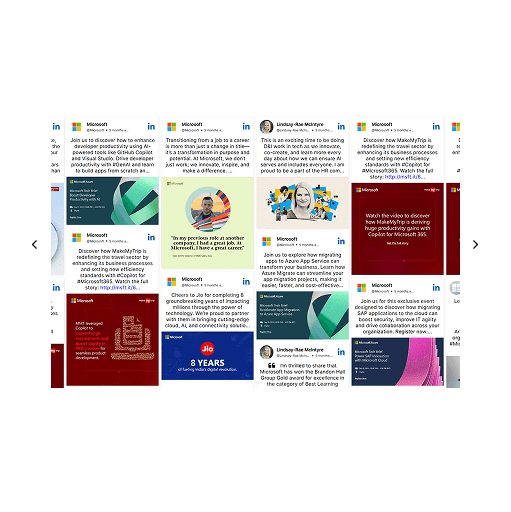
LinkedIn Grid
Display content in rows and columns of 3*3 format. See your content displayed equally both horizontally and vertically.
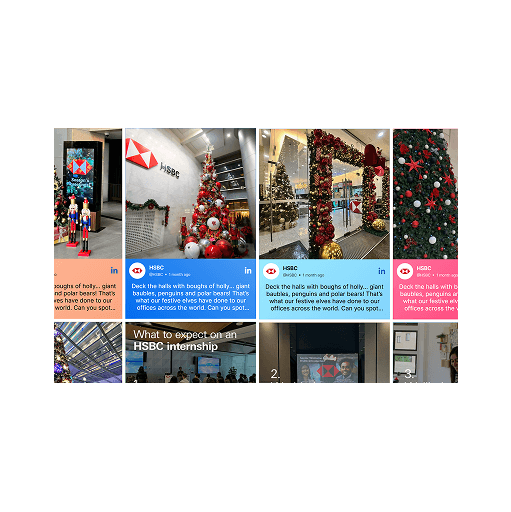
LinkedIn Rainbow
Highlight your LinkedIn post with eye-catching designs that are rainbow-colored, making every post stand out on your Elementor LinkedIn widget.

LinkedIn Gallery
Reflect real-experiences that boosts conversions and enhances engagement by showcasing UGC in a vibrant way on your Elementor LinkedIn widget.
Why It's The Need Of The Hour To Get A Taggbox LinkedIn Widget?
Adding a Taggbox LinkedIn widget to your Elementor website has multiple benefits. Let's examine some of them.

Add professional LinkedIn content to your Elementor site that showcases industry expertise, highlight achievements, and latest posts thereby building engagement.

Use high-quality, fresh, relevant LinkedIn content on your Elementor site to increase visitors' time spent on-site and boost your website's search ranking.

Let the Elementor LinkedIn Widget do the heavy lifting by automatically fetching posts and updating in real-time, saving you time and effort.

Build Social Proof by showcasing your company's posts where authentic voices contribute to building brand credibility.

Repurpose your high-performing LinkedIn content on your Elementor website without duplicating your efforts and save on time and resources, without any extra work.

Get an ethical access to LinkedIn data with Taggbox; seamlessly aggregate content into your Elementor LinkedIn Widget and publish on website securely.
Seamless Integration With the Best Website Builders
Be it any website builder, our Taggbox Widget is compatible with all of them.


Our Success Lies in our Client's Success
-
Great support with integrating Social Media feeds at our website
The implementation and integration of social media content to the website is very easy to handle and provides our users with a very dynamic and interactive user experience on our website.
Dominik Dimper
-
We highly recommend Taggbox to our peers their variety of features
We tumbled upon Taggbox when looking for a single platform for collecting and publishing our user’s content to achieve social proof. Absolutely worth the money, Taggbox turned out to be an asset for us.
Reisagent bij
-
Community Building To Increased Website Engagement
Taggbox is an excellent platform for displaying UGC on our website. Using UGC, we can establish a strong connection with our guests and effectively communicate their opinions to the traffic we attract. This approach allows us to engage visitors through cross- promotion, enhancing their overall experience on our site.
Tvisha Sharma
-
Content curator that is easy to use and looks great"
Easy to use and set up, but looks professional.Customer service was also very helpful. They helped me with setting it up.
Sheila Majask




Frequently Asked Questions
To add the LinkedIn on Elementor website. First, create a widget via Taggbox, collect content, moderate it, publish it, and then generate a code for the same. Following that, copy and paste the code into the backend of your Elementor website.
Absolutely! LinkedIn widget via Taggbox is fully responsive for Elementor website.
After having analysed and interpreted every tool, we guarantee that Taggbox stands out as the best LinkedIn widget for Elementor website.