Most WordPress websites have a problem; they exist, but they don’t feel alive. Meanwhile, your Instagram is full of it: real customers, real moments, real proof your brand actually delivers. So, why keep them separate?
This is exactly where an instagram feed plugin comes in, helping you bring your social proof directly onto your website.
Adding Instagram to your website isn’t just about aesthetics. It builds trust, boosts engagement, and gives visitors a reason to stay longer. Whether it’s a live feed, user-generated content (UGC), visual galleries, or even shoppable posts, Instagram can quietly turn browsers into buyers.
And with over 2 billion monthly active users, it’s where your audience already is. In this guide, we’ll break down the best WordPress Instagram feed plugins and how to pick the right one.
What is Instagram Feed WordPress Plugin?
To put it simply, WordPress Instagram plugin connects your Instagram account to your website. Instead of asking users to leave your site and visit Instagram, these Instagram plugins for WordPress display your latest posts, reels, feeds, and updates directly on your website.
Practically, these Instagram feed plugins automatically pull content from your Instagram and display instagram feeds on your site, so your website stays fresh without you lifting a finger every time you post.
Manual Embeds vs Plugins
It’s important to understand the difference between doing this manually and automatically. Yes, you can embed instagram feed wordpress without plugin. But it’s not ideal, here’s why:
Manual embeds
- Add one post at a time
- Limited customization
- Time-consuming
- No automation
Plugins
- Auto-sync your feed
- Fully customizable layouts
- Better performance
- Scalable and dynamic
Most Instagram feed plugins for WordPress keep your content updated in real time, so your site never feels outdated.
Bring Your Instagram Feed to Life on Your
Website
Choose the right Instagram Feed plugin and showcase live content that builds trust & keeps visitors engaged.
What can Instagram Feed Plugins Actually do?
Modern WordPress Instagram plugins do a lot more than just display posts. Here’s what you typically get:
- Display full Instagram feeds instead of single posts
- Pull content using hashtags or tagged posts
- Create shoppable Instagram feeds with clickable product links
- Showcase Instagram Stories on your website
- Moderate and filter content before publishing
- Choose layouts like grids, sliders, carousels, or masonry
- Easy embedding using Gutenberg blocks or shortcodes
So instead of just adding a social feed, these free Instagram feed plugins for WordPress help you turn your Instagram into a dynamic, engaging, and conversion-friendly part of your website.
Why Add an Instagram Feed Plugin to WordPress Site?
An Instagram plugin helps you:
- Keep your site visually fresh without constant updates
- Build trust using real customer content (UGC)
- Increase time spent on the site
- Improve engagement
- Turn social proof into conversions
How to Choose the Right Instagram Plugin for WordPress
Not all instagram feed plugin wordpress tools are built the same. Some look great but slow your site down. Others are fast but lack features. When choosing from the best WordPress Instagram feed plugins, here’s what to look for:
1. Feed Types Supported
A plugin should support user feeds, hashtag feeds, and tagged posts so you can display different types of Instagram content in one place.
Reason: The best Instagram feed plugins for WordPress let you showcase UGC and social proof, not just your own posts.
2. Customization Options
The plugin should allow you to easily change layouts like grid, carousel, or masonry along with colors, spacing, and fonts to match your website.
Reason: Strong Instagram plugins for WordPress give you full design control so your feed actually matches your site.
The plugin should include features like lazy loading and asynchronous loading to keep your website fast.
Reason: Not all WordPress plugins for the Instagram feed are optimized. The wrong one can slow your site down.
4. SEO Friendliness
The plugin should use HTML-based feeds instead of iframes so your content can be indexed by search engines.
Reason: Some Instagram WordPress plugins use iframes, which don’t contribute to SEO at all and are rather a hindrance.
5. Compatibility
It should work smoothly with Gutenberg, Elementor, and shortcodes without causing any issues.
Reason: The best WordPress plugins for Instagram integrate smoothly with your existing setup.
6. Support & Regular Updates
The plugin should be regularly updated to stay compatible with Instagram API changes.
Reason: Reliable Instagram plugins for WordPress stay updated with API changes and won’t break unexpectedly.
7. Shoppable Feed Features
The plugin should support WooCommerce integration and clickable product tags to help drive sales.
Reason: Advanced Instagram plugins turn your feed into a conversion tool, not just a visual add-on.
Start Using an Instagram Feed Plugin Today
Add real-time Instagram content to your WordPress site and make it more engaging
Best WordPress Instagram Plugins You Must Know
Here’s a list of Instagram plugins for WordPress that you must use for your website.
1. Taggbox
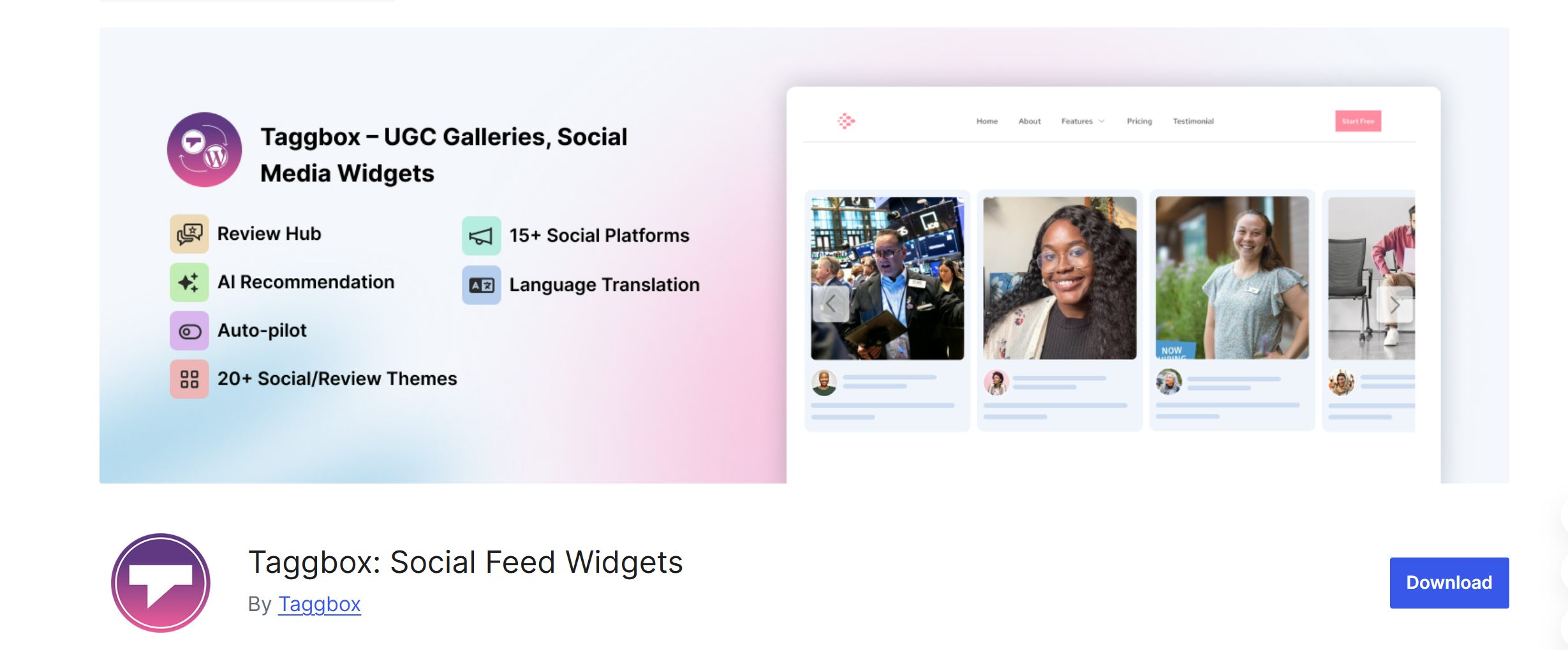
Taggbox is a popular Instagram widget plugin that helps you collect user-generated content and make your posts shoppable. It turns your website into something that actually drives conversions and delivers results constantly, all with just a single embed.
Key Features:
- User, hashtag & tagged feeds: Seamlessly collect and display user-generated content all over your feeds with us.
- UGC aggregation with moderation: Get the power of AI-Powered UGC, which removes duplicate and negative posts and makes editing as easy as ever.
- Shoppable Instagram feeds: Discover the benefit of turning your photos and shoppable videos into Shoppable by including many products along with their prices and details.
- Use the Advanced layouts for themes like grid,s sliders and carousels.
- Also get the benefit of turning your widget into many languages with our Localisation feature.
Pros:
- Built for conversions, not just visuals
- Strong moderation control
- Ideal for showcasing real customer content
Cons:
- Full feature set requires a paid plan
Pricing: For Starters, we offer a Free Plan and then if you want more advanced features, then, you can choose the Advanced Plan.
Best For: Anyone who is a Creator, owns an E-commerce brand, is a marketer, or uses UGC-led strategies. To be honest, it’s for anyone who wishes to grow.
Don’t Just Use an Instagram Feed Plugin — Convert with it
Use the Taggbox WordPress Plugin to bring real customer content to your website.
Download Instagram Feed Plugin
2. Tagembed
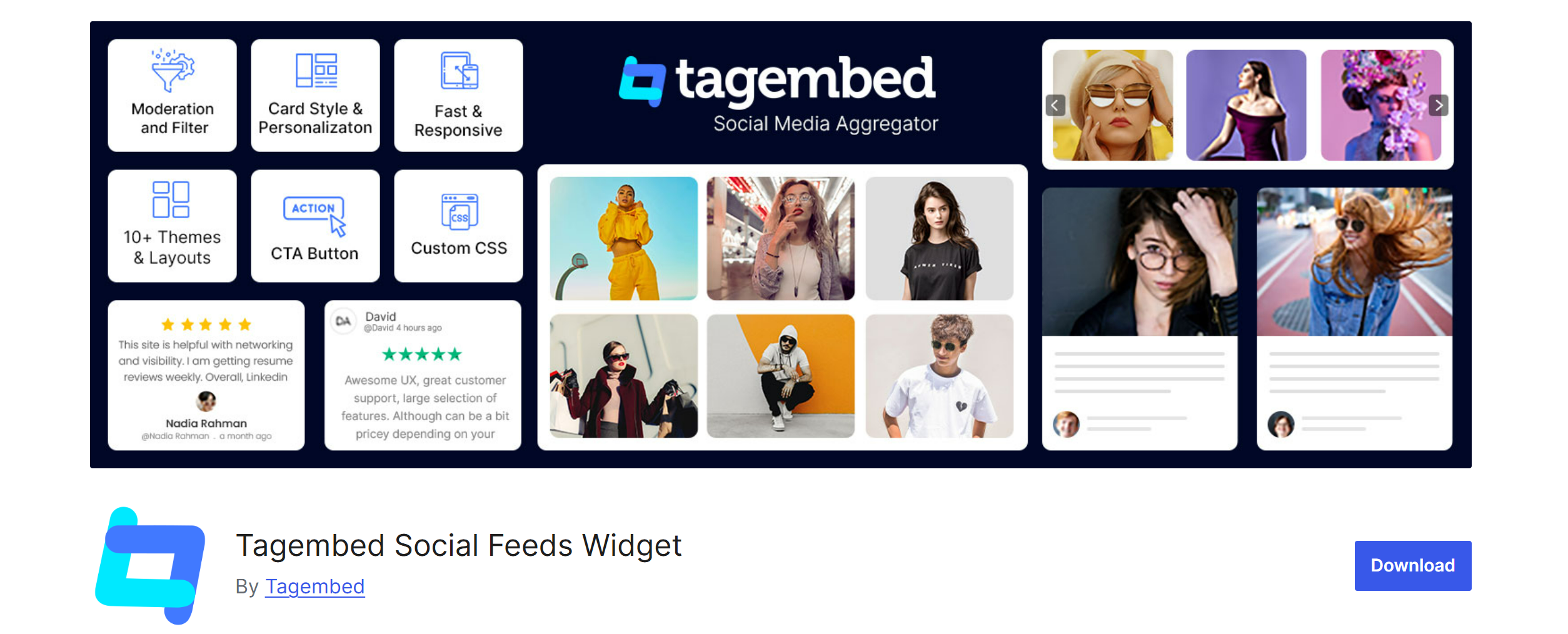
Tagembed is one of the more flexible WordPress Instagram plugins that helps you collect, curate, and display Instagram feeds along with other social content on your website. Unlike many Instagram feed plugins for WordPress that only focus on Instagram, Tagembed works as a full social media aggregator, offering you everything in one place, making it an excellent fit.
Key Features:
- User, hashtag, mention, and reels-based feeds
- Supports Instagram Stories and multiple feed types
- Content moderation and filtering
- Multiple layouts (grid, carousel, slider)
- Works across 15+ platforms, including Instagram, TikTok, and YouTube
Pros:
- Beginner-friendly and easy to set up
- Supports multiple social platforms (not just Instagram)
- Real-time updates keep feeds fresh
Cons:
- Limited advanced marketing and conversion-focused features
- Shoppable feed functionality is only available in higher plans
Pricing: Offers a free plan with basic features. Paid plans start at around $19/month and scale based on usage and features.
Best For: Small to mid-sized businesses, agencies, and users looking for a simple yet multi-platform Instagram WordPress plugin setup.
3. Smash Balloon
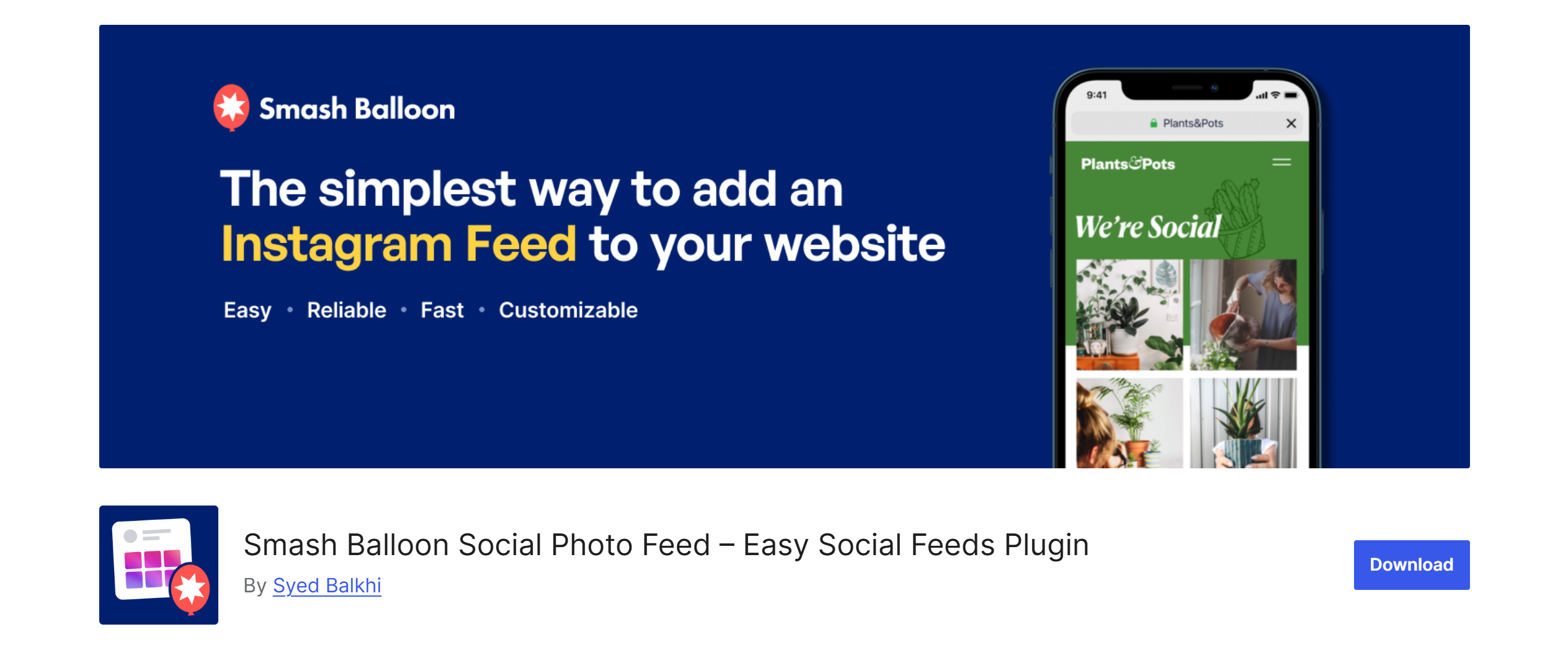
Smash Balloon focuses on doing one thing really well: adding clean, functional Instagram feeds to your site without complications. It just does it in-a-go, to put it briefly.
Key Features:
- User, hashtag & tagged feeds
- Custom layouts & styling
- Built-in caching for performance
- Multiple feed support
Pros:
- Extremely easy to set up
- Stable and widely trusted
- Good performance handling
Cons:
- Limited marketing or conversion features
- Advanced options are paid
Pricing: The basic plan starts at $49 to an all-access bundle that’s at $299.
Best For: Beginners and businesses that just want a working feed
4. SpotlightWP
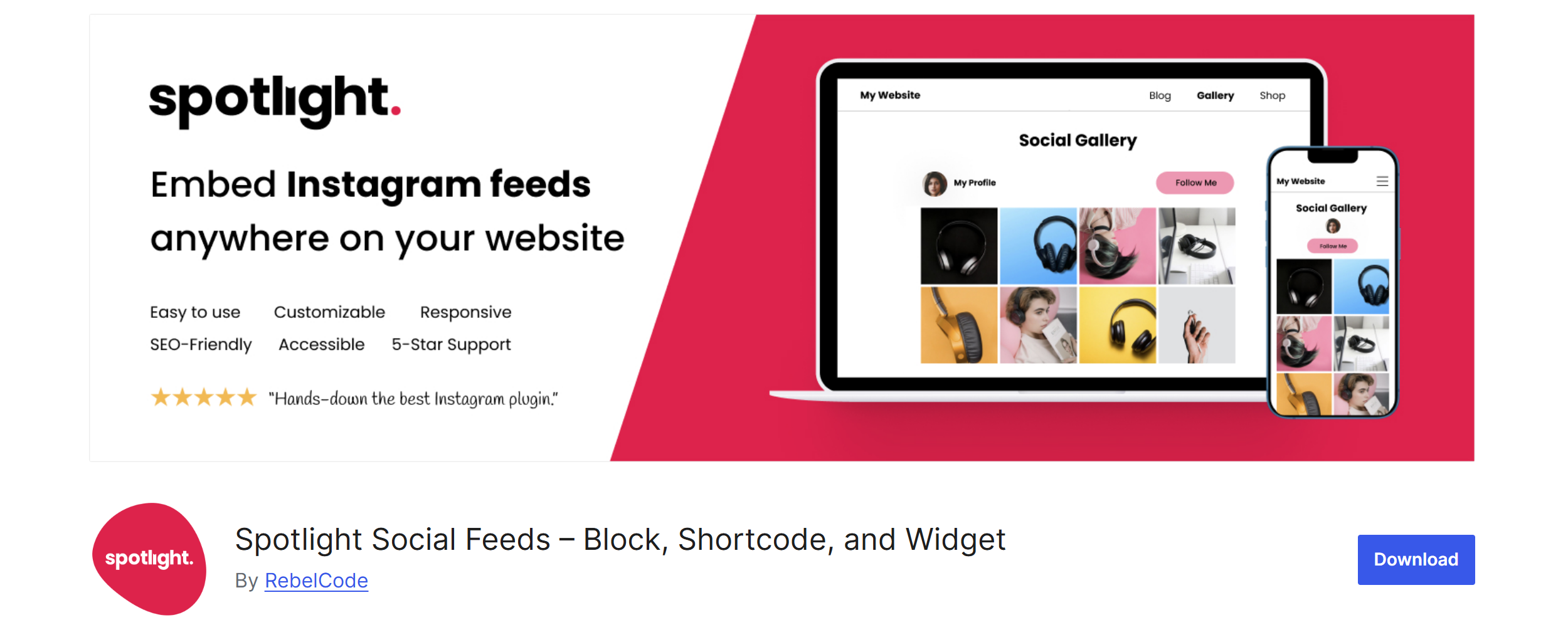
Spotlight is designed for users who care about how their Instagram feed looks on their site. If your focus is just on looks, then this is your go-to platform.
Key Features:
- Visual drag-and-drop customizer
- Multiple layout options
- Hashtag feeds (Pro)
- Basic analytics
Pros:
- Clean, modern interface
- Strong design flexibility
Cons:
- Limited features in the free version
- Less focus on performance or conversions
Pricing: Their Essentials Plan starts at $59 and goes up to $199.
Best For: Design-focused brands and agencies
5. WPZOOM
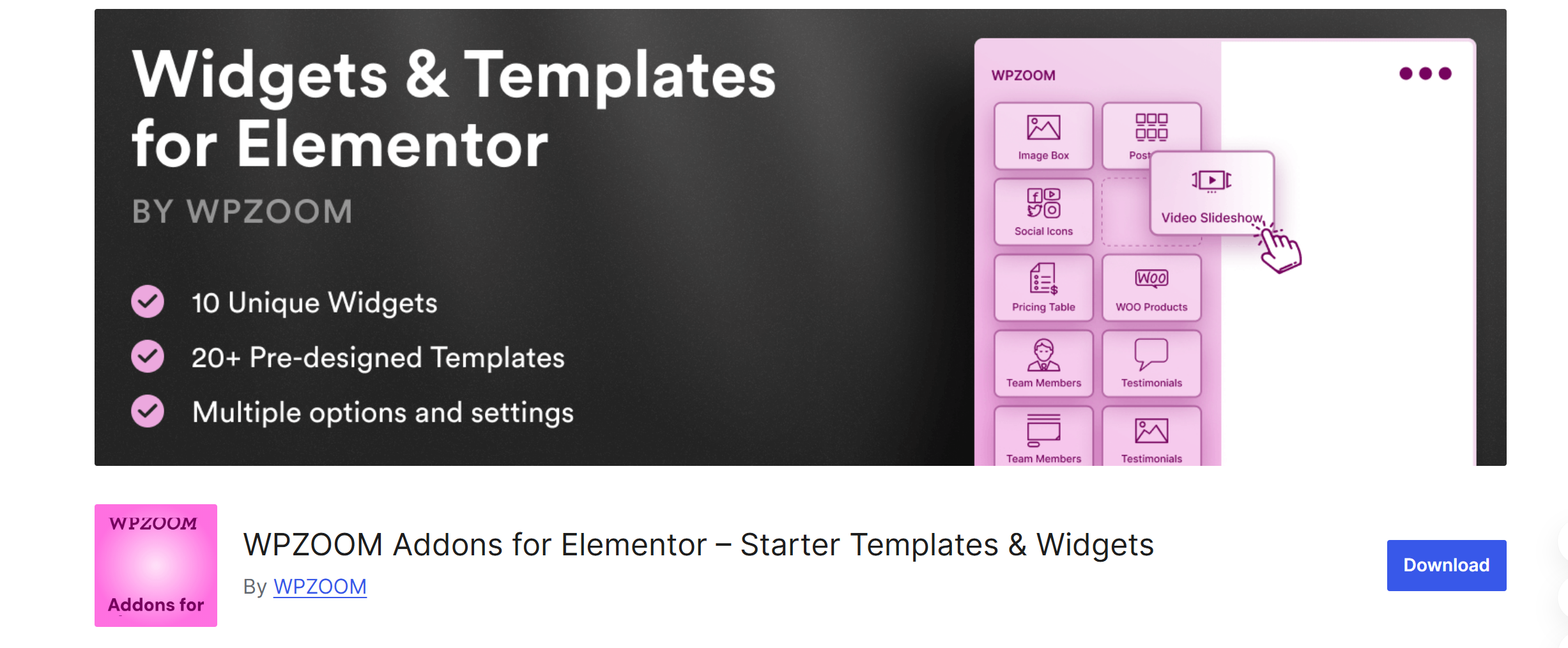
WPZOOM keeps things simple and fast, focusing on performance over features. Think speed and promptness, then your best pick.
Key Features:
- AJAX loading
- Gutenberg & Elementor compatibility
- Responsive feed display
Pros:
- Lightweight and fast
- Easy integration
Cons:
- Minimal customization
- No advanced marketing features
Pricing: Starting from $8 a month and going up to $599, they cover quite a range in terms of Pricing.
Best For: Websites where speed matters more than functionality
6. 10Web
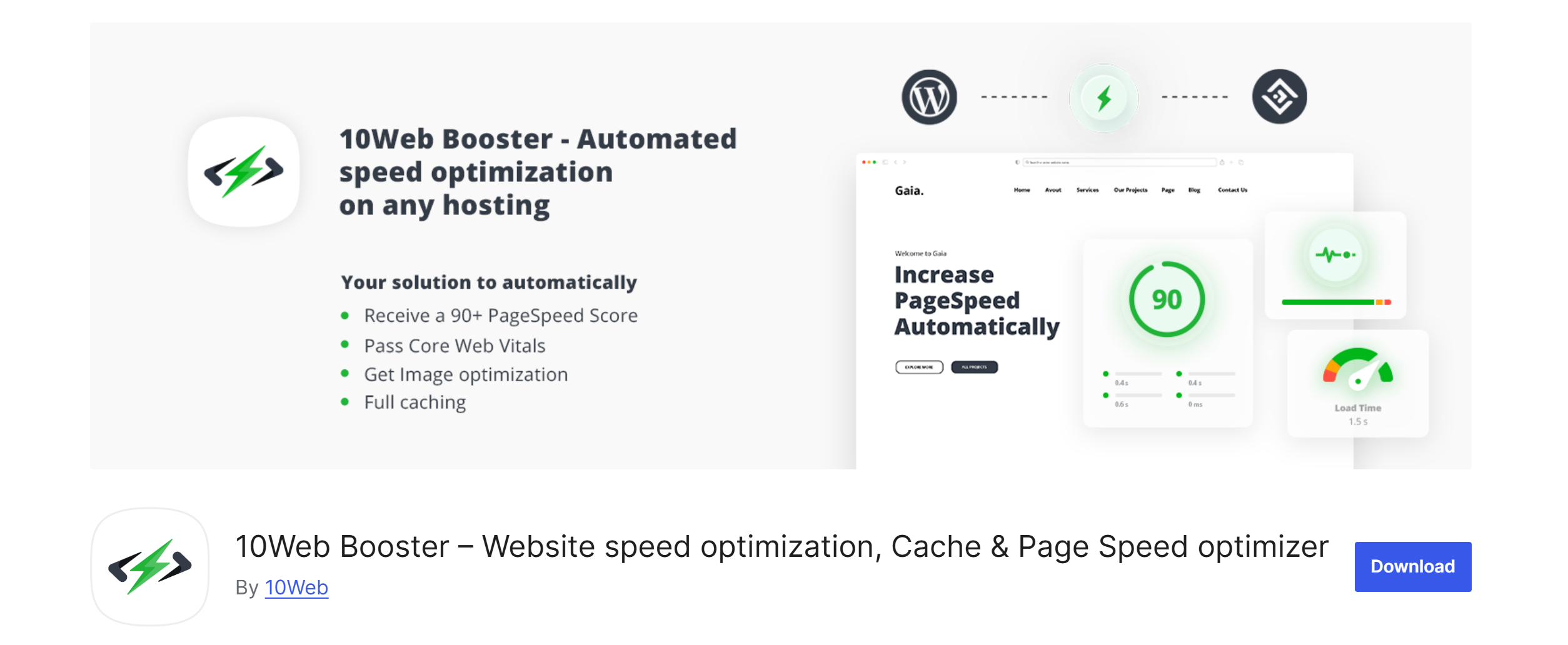
10Web offers a straightforward way to display Instagram feeds without much setup. It uses AI majorly and helps you to embed a Instagram widget quickly.
Key Features:
- Feed layouts
- Hashtag filtering
- Responsive design
Pros:
- Beginner-friendly
- Easy to use
Cons:
- Limited customization
- Not built for advanced use cases
Pricing: Their plans range from $10 to $23 per month.
Best For: Small websites and personal blogs
Quick Instagram Plugin Comparison by Pricing
Here’s a side-by-side look at the top WordPress Instagram plugins to help you decide faster, according to their prices.
| Plugin | Free Version | Shoppable Feeds | Pricing | Ease of Use | Best For |
| Taggbox | ✔️ | ✔️ (Pro) | $19/month | ⭐⭐⭐⭐⭐ | UGC + Conversions |
| Smash Balloon | ✔️ | ✔️ | $49/month | ⭐⭐⭐⭐ | Beginners & Reliability |
| Spotlight | ✔️ | ✔️ | $59/month | ⭐⭐⭐⭐ | Design & Customization |
| WPZoom | ✔️ | ❌ | $8/month | ⭐⭐⭐⭐ | Speed & Performance |
| 10Web | ✔️ | ❌ | $10/month | ⭐⭐⭐ | Basic Use |
| Tagembed | ✔️ | ❌ | $19/month | ⭐⭐⭐⭐ | Beginners & Reliability |
| | | | | |
How to Add an Instagram Plugin to WordPress
Setting up the best WordPress Instagram plugins is pretty straightforward. Here are the easy steps to add Taggbox Instagram Feed Plugin to WordPress
Quick Setup Steps
- Simply go to your WordPress dashboard → Search Plugins → Add New option.
- Search and install your Taggbox WordPress Plugin
- You’ll be asked to connect your Instagram account.
- Choose your feed type (user, hashtag, mentions, reels or tagged)
- Customise and moderate with us. Get the power of our AI-powered features that let you set your own rule sand then present your content in your preferred format, like grids, carousels, etc.)
- Copy the shortcode or use a block to embed it on your page, and you’re done.
Ready to Add a Powerful Instagram Feed Plugin to Your Website?
With Taggbox, you can easily embed live Instagram feeds, moderate content, and create visually stunning, conversion-focused experiences
Conclusion
Choosing the right Instagram plugin isn’t just about embedding a feed—it’s about how effectively you use social proof to influence buying decisions.
After reading this far, we are sure you have an idea that choosing the right Instagram plugins for WordPress comes down to what you want your feed to do.
For example, if you just need a simple display, basic WordPress Instagram plugins will get the job done. But if your goal is to drive engagement, build trust, and boost conversions, you need something more powerful.
It’s important to remember, though, that the best Instagram feed plugins for WordPress don’t just show content; they help you use it strategically. Whether it’s UGC, shoppable feeds, or visual storytelling, the right plugin can transform your site and grow your brand.